
Setting up a booking page is supposed to be the easy part. Pick your hours, connect your calendar, share the link, done. That is the pitch anyway. Here is what actually happened when I set up Zoho Bookings for Aloha CRM Consulting, and how I fixed it so you do not have to lose an evening to the same glitch.
The Setup Looked Cute
I built out my services, an Intro Call, a Salesforce Consultation, and a Zoho Consultation, and set my working hours to a normal 12pm to 6pm Mountain time window. Timezone showed Denver. Hours showed 12 to 6. Everything looked right.
Then I opened my own booking page like a visitor would.
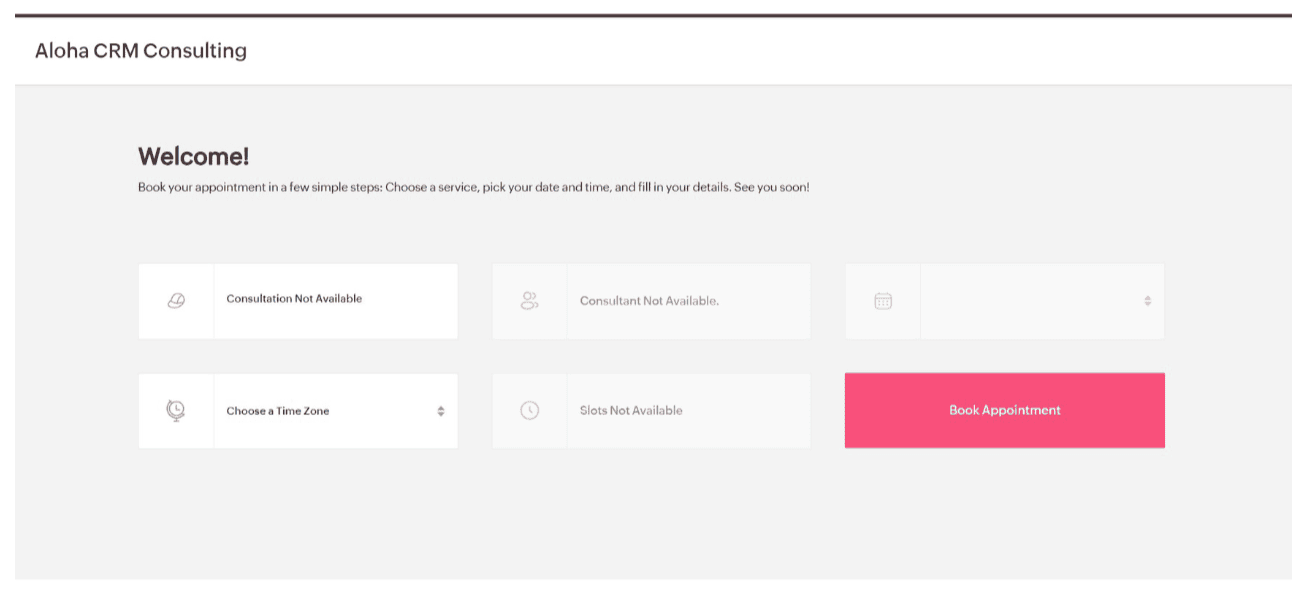
The very first version of the booking page, before anything was styled or working.
Nothing was configured yet, no service, no consultant, no slots. Just a very polite page telling me nothing was available. Baby steps.
Then the Slots Got Weird
Once the services were built, the calendar started offering time slots. Except they were all at night. 9:30pm. 10pm. 11:45pm. Very moody, very not the vibe for a CRM consulting call.
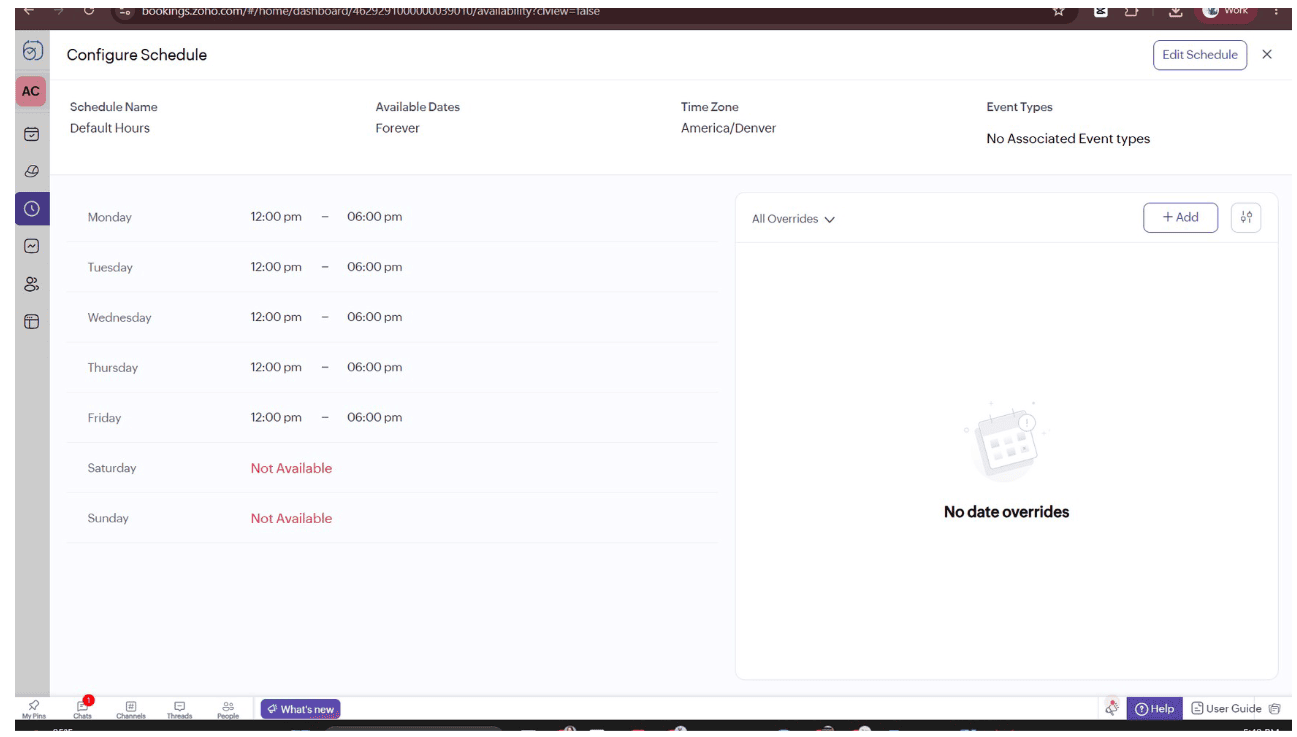
Denver was selected correctly, and it was still handing out nighttime slots.
First instinct: it has to be a timezone problem. Checked the schedule timezone (correct), the individual consultant profile timezone (wrong, fixed it), and the service level setting that decides which schedule actually applies. |
Fixing the consultant profile helped, but the real test came next. I blocked an hour on my own Google Calendar and refreshed the booking page. The blocked hour still showed as open.
That is when I knew this was not a settings problem. It was a sync problem.
The Actual Bug, Not Just Vibes
A little digging turned up a pattern other Zoho Bookings users have been documenting for years. The sync between Bookings and an external calendar, Google in my case, quietly breaks. You reauthorize it, you get an authorization successful message, and the connection still shows a warning icon like nothing happened.
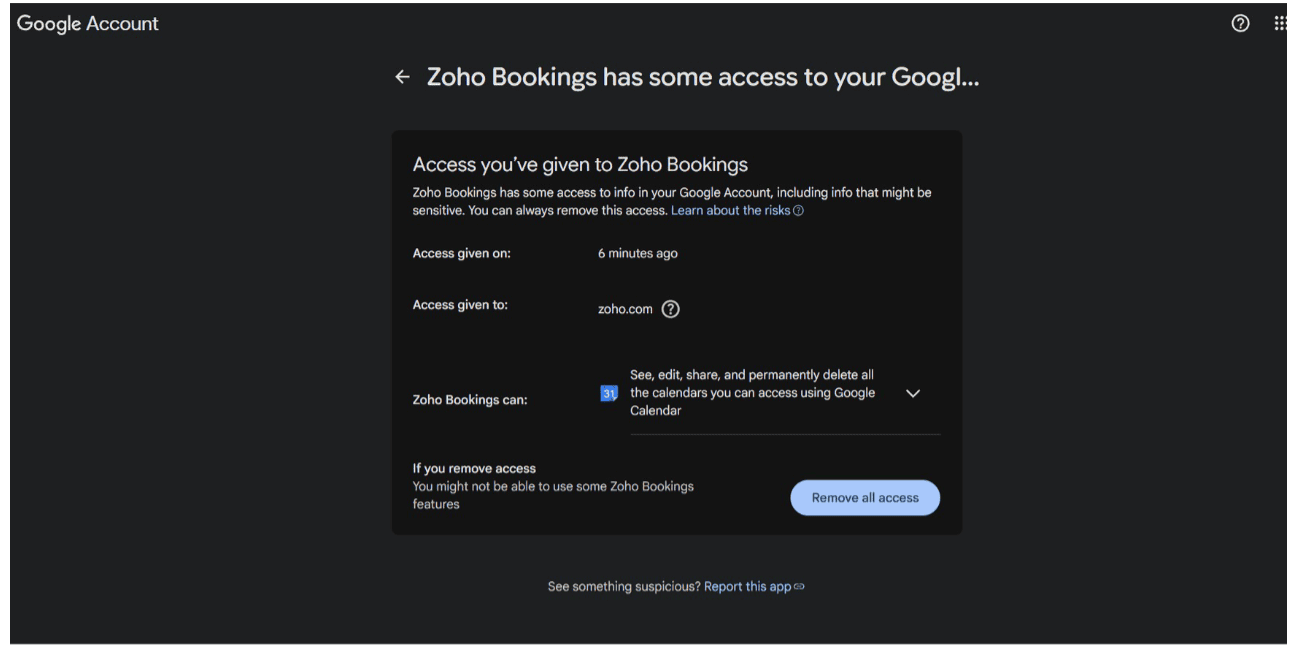
Full calendar access, granted minutes earlier. Permissions were fine. Sync was still broken.
Zoho support has apparently confirmed to at least one user that this is a known, ongoing issue. The workaround is not reauthorize. It is disconnect the calendar account completely and add it back from scratch. A manual sync request does not trigger the fix, only a full disconnect and reconnect does.
A Bonus Mystery Along the Way
While chasing this, I also found a random Google Calendar appointment schedule sitting on my calendar, 9am to 5pm every weekday, that I never set up myself or did so long ago and forgot all about it. A win is a win🤷.
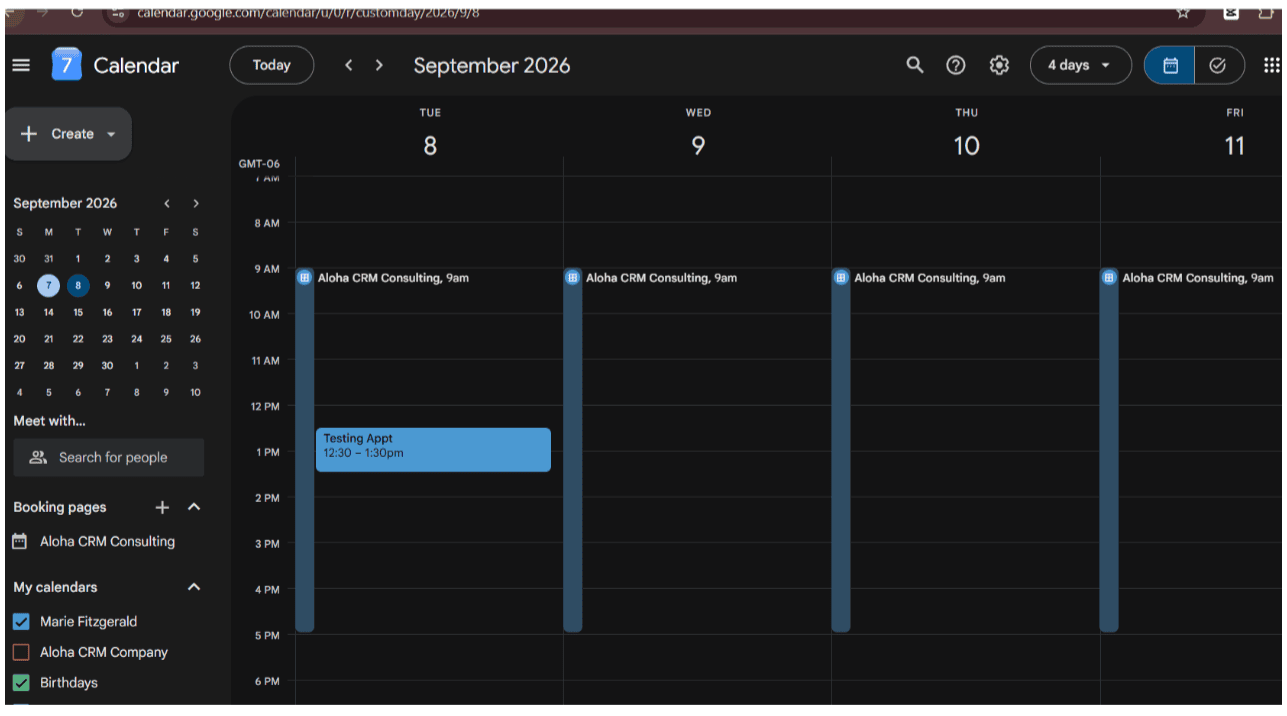
A leftover Google native booking schedule, unrelated to Zoho, quietly living on the calendar.
Turns out this was a completely separate Google Calendar feature, its own native booking tool, not part of Zoho at all. Deleted the whole schedule so it would stop adding confusion to an already confusing day.
The Fix, Step by Step
Go to Zoho Bookings, then Settings, then Integrations, then Calendars.
Find the Google Calendar connection under Check conflicts with.
Disconnect it completely. Do not just click reauthorize.
Reconnect it fresh and explicitly check the box next to your primary calendar.
Test it. Block a real hour on your calendar and check your own public booking page before you send that link to a single client.
The Glow Up
Same test, same blocked hour, and the page finally matched reality.
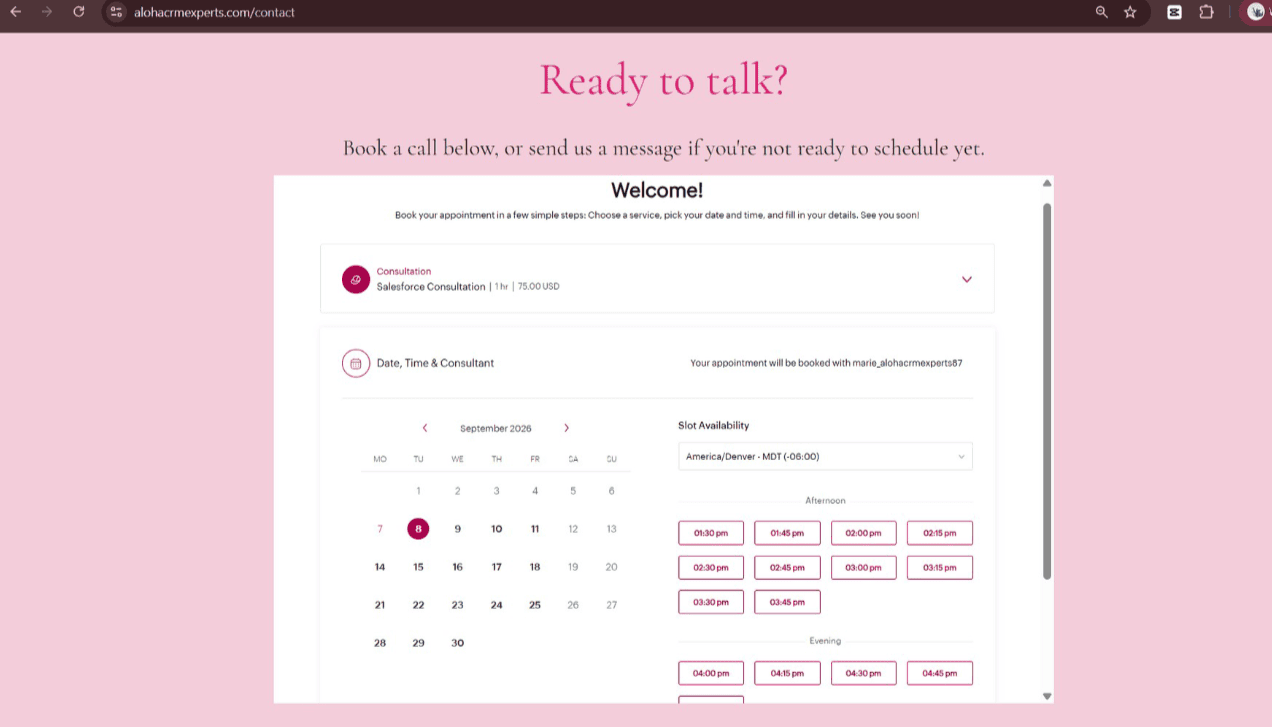
Working hours, correct afternoon and evening slots, no more midnight bookings.
Does Running Two Calendars Cause This?
Not exactly. Zoho's own documentation for Bookings recommends sticking to a single calendar, since appointments can only be added to one at a time even though older accounts can technically sync to more. The sync failure people report happens with Google alone too, so mixing Zoho Calendar and Google Calendar is not the root cause. It does add one more moving part that can quietly go stale the same way, so if you run both, make the same habit a regular thing.
The Takeaway, Baddy Edition
If your live booking page does not match your real calendar: Disconnect and reconnect the calendar account, do not just reauthorize. Confirm the right calendar is checked under Check conflicts with, not just linked. Test it yourself before a client ever gets the link. |
It works now. It took an evening, several rounds of why is this glitching, and a genuine new appreciation for how easily a scheduling tool can quietly go rogue behind your back. But the page is clean, the hours are right, and nobody is getting booked at midnight on my calendar ever again.