
A field guide for RevOps & Salesforce admins
- $100–300
- ServiceNow cost per user, per month, at enterprise scale
- 1.2 mo
- Average Jira Service Management implementation time, vs. 4.5 months for ServiceNow
- 5,000/day
- Web-to-Case's case limit, regardless of how many licenses you hold
The real problem: there is no buffer
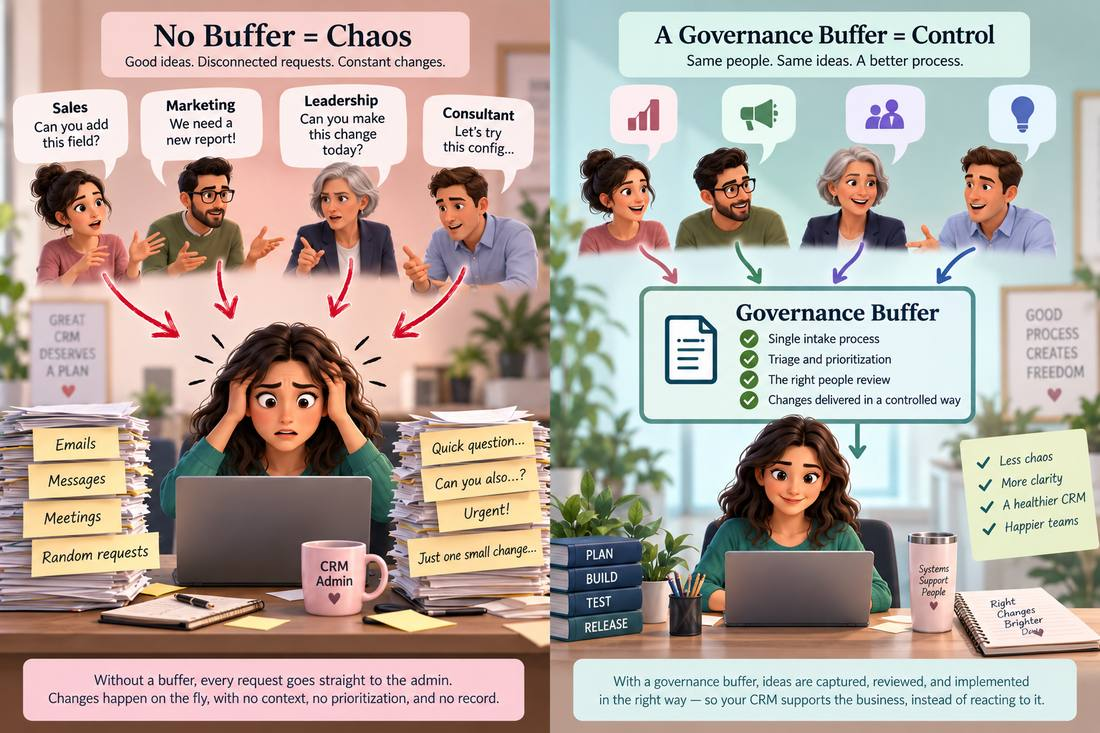
Imagine three people contact the Salesforce admin in the same week: the VP of Sales wants a new opportunity stage, Marketing wants Lead Source reorganized, and an outside consultant recommends changing several required fields.
Without governance, all three requests land directly on the person capable of making the changes. That puts the admin in an impossible spot — simultaneously asked to interpret the business problem, judge whether the proposed solution is right, weigh priority, assess technical impact, build it, test it, and defend the decision later. Then another stakeholder arrives next month asking for the opposite, and nobody remembers why the original change happened.
The problem isn’t that people have too many ideas. It’s that there’s no buffer between requesting a change and changing the system.
A governed CRM inserts that buffer: a request is captured first, then evaluated, and only approved work moves into development. That distinction changes the admin’s job from “someone asked me to change Salesforce” to “an approved change is ready to be built.” Those are very different jobs.
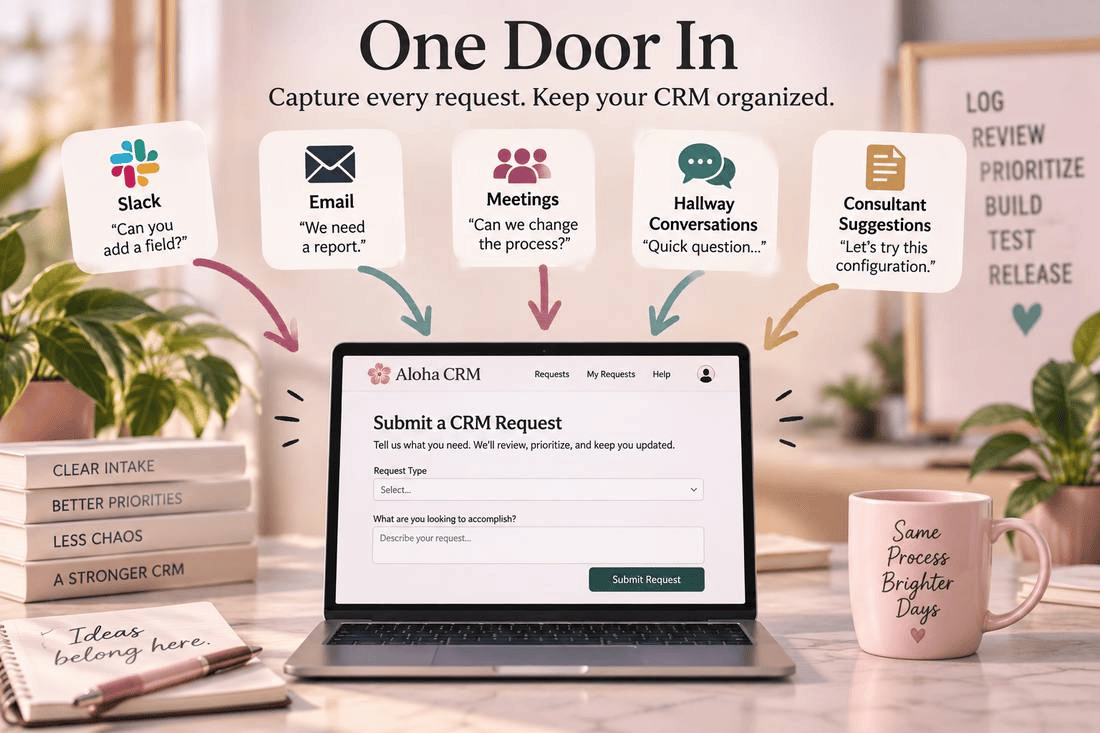
1. Give every request one door in
If CRM changes arrive through Slack, email, meetings, and hallway conversations, the organization doesn’t have a backlog — it has a collection of conversations. Create one official place for requests to land. The rule matters more than the tool:if a request isn’t logged, it isn’t scheduled.
A good intake form asks about the problem, not the solution:
- What problem are you trying to solve?
- Who is affected?
- What happens today, and what would you like to happen instead?
- Is there a deadline, and why?
- What business process does this touch?
Notice what’s missing: “tell us exactly how Salesforce should be configured.” Separating the problem from the proposed fix prevents one of the most common CRM mistakes — implementing the first suggested solution instead of understanding what’s actually needed.
| Method | How it works | Useful when |
|---|---|---|
| Web-to-Case | A form auto-creates a case on submission. Capped at 5,000 cases per 24-hour period, regardless of license count. | Employees need a simple request form without logging into Salesforce |
| Email-to-Case | Messages to a designated address become cases automatically | The organization wants email to be the front door |
| Custom Change Request object | Purpose-built fields capture who asked, when, and why | You want a permanent, reportable history of system changes |
| External ticketing system | Requests live in Jira, ServiceNow, Asana, or another work-management tool | CRM work is one part of a broader IT or dev process |
A licensing correction worth knowing: Salesforce’s Employee Community option (Lightning Platform Starter or Plus) doesn’t automatically include Case access on its own — it needs the Company Community for Lightning Platform permission set license layered on top before non-CRM-licensed staff can view or submit cases. It’s a real option for keeping non-licensed employees in the loop, but confirm the licensing stack with Salesforce or your AE before promising it, rather than assuming Starter alone covers it.
2. Separate the request from the decision
Logging a request doesn’t mean approving it. Many organizations accidentally recreate the same problem inside a ticketing system — they just replace “can you add this field?” with “Ticket #482: add this field,” and nothing has actually improved. Someone still has to decide whether it should happen.
Every request should go through triage. For a small organization, that might be the admin and one business owner reviewing requests weekly. For a larger one, it might include Sales Ops, Marketing Ops, IT, Security, and Finance — the kind of cross-functional review formalized in ITSM practice as a Change Advisory Board (CAB).
Either way, the questions are the same:
- Does this solve a real problem, and do we already have something that solves it?
- Who else will this affect — reporting, automation, integrations, security, data quality?
- Is the requested solution actually the best one?
- What happens if we do nothing?
- How urgent is it, really?
That last question matters. A request being important doesn’t automatically make it urgent — and once everything is treated as urgent, the triage step stops meaning anything.
3. Not every change needs the same governance
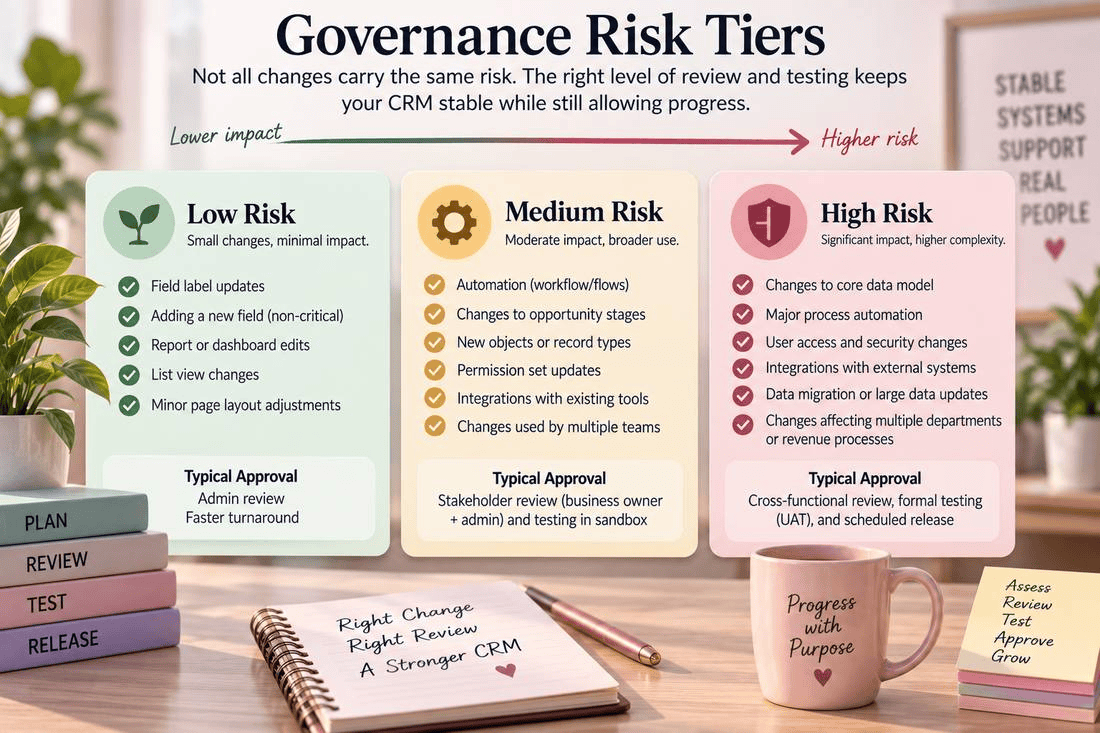
Governance becomes frustrating fast when changing a dashboard title requires the same process as replacing the company’s opportunity model. Use risk tiers instead:
Low risk — a report tweak, a new dashboard, a list view change, minor access administration. Documentation and admin review is enough.
Medium risk — new fields, page layout changes, validation rules, picklist changes, minor Flow edits. These should be reviewed and tested before release.
High risk — opportunity stage redesigns, lead conversion changes, major Flow or integration work, security model changes, data migrations, anything touching finance, commissions, or multiple departments. These deserve formal requirements, impact analysis, testing, business approval, and a controlled release.
Good governance creates friction where the risk justifies it — not everywhere.
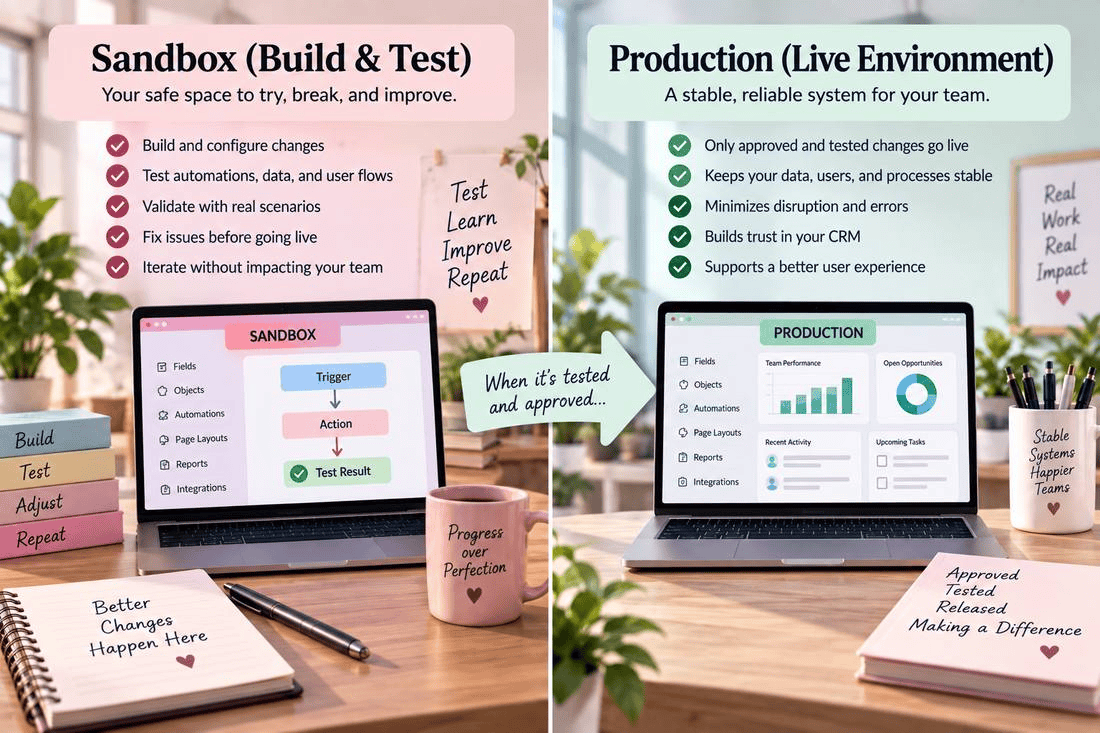
4. Stop building directly in production
Once a request is approved, the next question is where it gets built — and for anything beyond a trivial tweak, the answer shouldn’t be production. Salesforce’s own guidance warns against meaningful development directly in a live org, since it creates cascading effects that are hard to undo once users are already relying on the system. The recommended path is a dedicated development environment — a sandbox — with a release process that tests changes before they reach anyone.
| Sandbox type | Data copied | Refresh interval | Best for |
|---|---|---|---|
| Developer | Metadata only | 1 day | Solo, fast-moving config changes |
| Developer Pro | Metadata + more storage | 1 day | Larger builds, multiple contributors |
| Partial Copy | Metadata + sample data | 5 days | Testing with realistic (not full) data |
| Full | Full metadata + full data | 29 days | Final UAT before a major release |
A routine stage tweak is plenty served by a Developer sandbox. Something touching a critical flow — like lead routing — deserves testing in a Full sandbox first, so every branch gets validated against real-shaped data before it reaches the sales team. Production should be where approved changes arrive, not where ideas get experimented with.
5. Testing means more than “it worked when I clicked it”
The admin confirming a configuration technically works, and the business confirming it works correctly, are two different questions.
Technical testing asks: does the automation run, does the validation rule fire, does the deployment succeed, do existing automations still behave?
User acceptance testing (UAT) asks: does this actually support the business process, can users complete the task, does the terminology make sense, did this quietly make someone’s job harder?
Salesforce treats these as distinct by design — the sandbox is the environment, UAT is the process of having real users validate the solution inside it. For any change with real process impact, someone from the affected team should test it before release, against a concrete scenario rather than a vague “looks good.” For example: a salesperson moves an opportunity from Proposal to Negotiation — expected result: close date populates, amount is greater than zero, the correct forecast category is assigned, and the manager gets notified. Now there’s something to actually verify.
6. Decide when changes go live
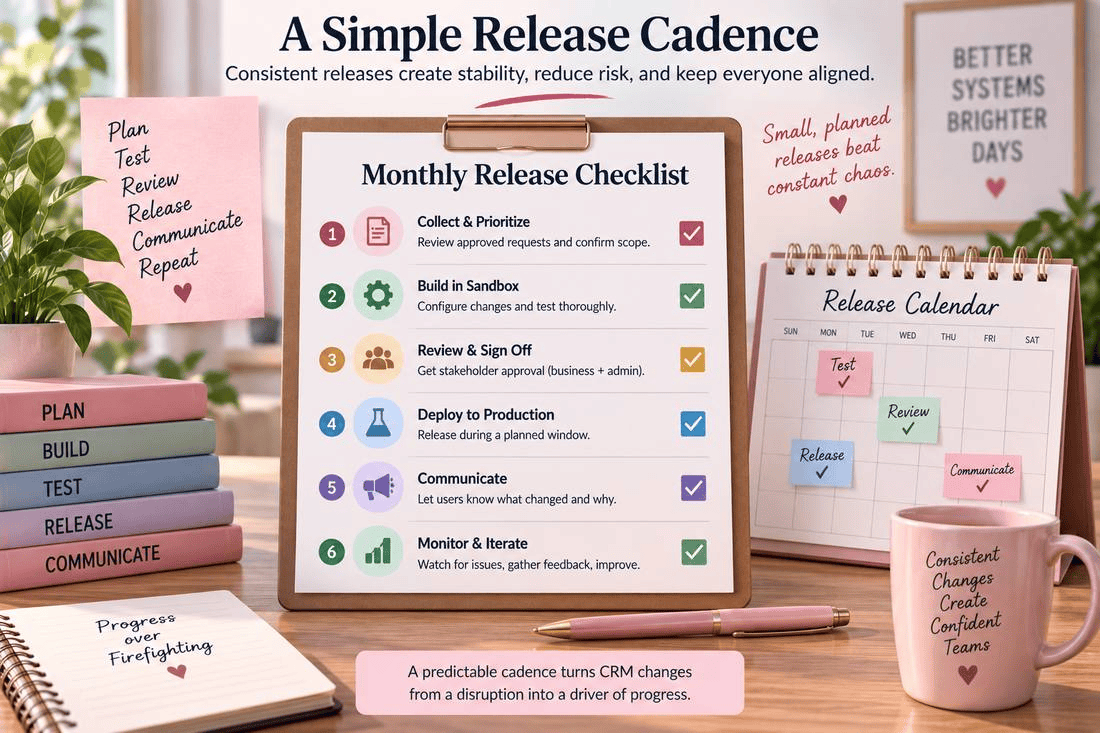
Even a properly tested change can feel disruptive if users never know when Salesforce is going to change. Establish a release cadence — a small org might release every other Thursday, a larger one might run weekly or monthly release windows. The specific schedule matters less than its predictability: instead of “Salesforce looks different this morning,” people learn “approved changes go out Thursday evenings.”
Keep a separate emergency path for genuine production failures, security issues, or business-critical interruptions — but “the VP wants it today” doesn’t automatically qualify. Once everything is treated as urgent, the cadence disappears.
Within that cadence, release in small, scored pieces rather than one big rebuild. Waterfall — design the whole thing, build it all, then launch — creates a long silent wait and front-loads all the risk into one release. Agile, scoped into small user stories, spreads that risk out and shows visible progress along the way.
The detail that makes this work is sizing honestly. Agile teams commonly use story points — a relative scale (often Fibonacci: 1, 2, 3, 5, 8, 13…) measuring complexity and risk rather than raw hours. The value isn’t precision, it’s the conversation: when one person estimates a 3 and another a 12 on the same story, that gap is exactly where the real scope was hiding.
7. Keep the “why,” not just the “what”
Six months later, someone will ask why a field exists, why a validation rule can’t be deleted, or who decided what “Qualified” means. The answer shouldn’t depend on whether the admin happens to remember. Every meaningful change should leave a record: who requested it, the business problem, who approved it, what changed, when it released, and what testing was done.
That history is especially valuable when staff, admins, or leadership turn over — and it exposes patterns. If an opportunity field has been redesigned four times in nine months, that’s usually not a Salesforce configuration problem. It’s an unresolved business-process problem, and governance is what makes that visible.
8. Change history and deployment history aren’t the same thing
A ticket or change request explains the business history — why did we decide to change this. Source control and deployment tooling preserve the technical history — what exactly changed in the system. Mature Salesforce environments tend to need both. Salesforce’s own DevOps Center, for example, tracks work items, source control, environments, pipeline stages, and reviews as changes are promoted toward production, so teams can see who changed what, why, and roll back when needed.
Not every five-person company needs a full DevOps pipeline. But the governance model should be able to mature as the team grows:
- Small org: request form → admin review → sandbox → business test → production
- Growing org: ticket backlog → scheduled review → sandbox → documented UAT → scheduled releases
- Complex org: formal backlog → process owners → dev environments → source control → QA/UAT → release pipeline → production monitoring
The principle stays the same even as the tooling changes.
9. When Salesforce itself stops being enough
A custom Change Request object or Cases can work well for a long time. But forcing Salesforce to serve as the entire company’s IT work-management system eventually creates its own problem. Consider a dedicated ticketing platform once:
- multiple technical systems are being managed, not just Salesforce
- several admins or developers work simultaneously
- requests need dependencies, subtasks, or sprint planning
- engineering already works from Git-based workflows
- SLAs need tracking, or incidents/bugs/enhancements need separate workflows
- Salesforce work must coordinate with IT, security, or engineering teams
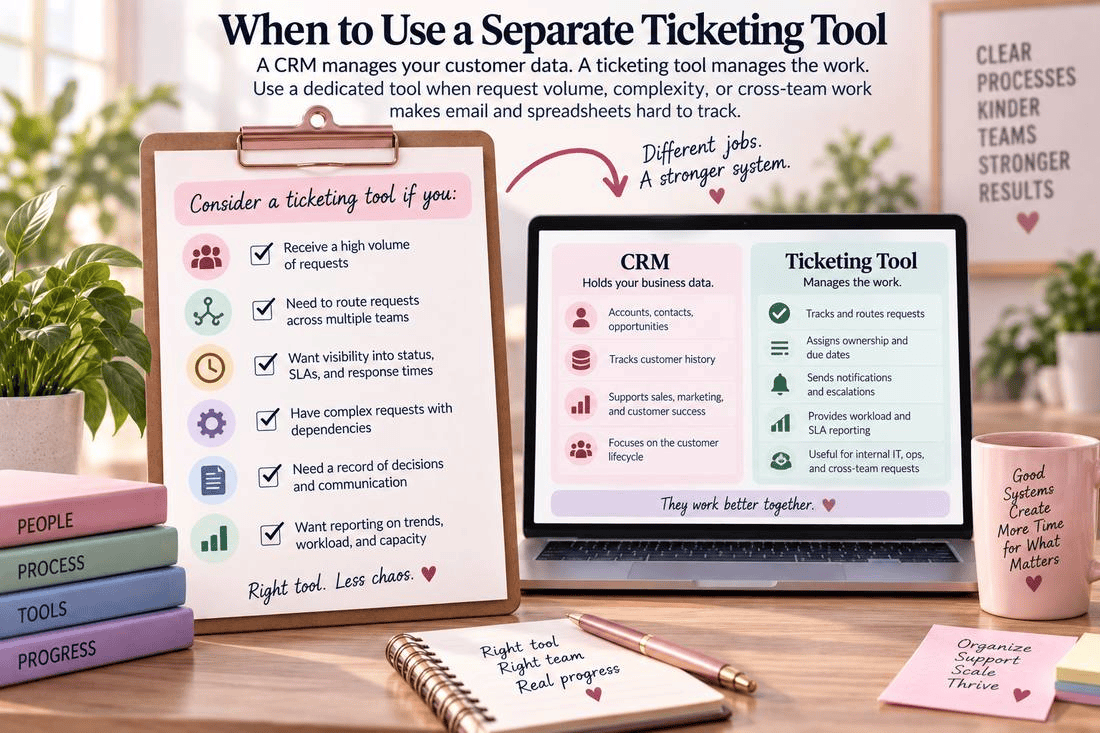
At that point, Jira Service Management or ServiceNow are the common choices, and they’re priced very differently. ServiceNow markets itself as the enterprise standard, but it isn’t the cheaper option at scale: roughly $100–300 per user/month against $0–53 per agent/month for Jira Service Management, often 60%+ more expensive once implementation and admin overhead are included, and about 4.5 months to implement versus 1.2 months for Jira. ServiceNow still fits large, IT-heavy organizations that need deep ITIL workflows and asset tracking, but that’s a decision to make on price and fit, not brand recognition.
Running both at once usually backfires: licensing and admin overhead stack instead of consolidating, ownership gets confusing (IT tickets in ServiceNow, business requests in Jira, and people default back to messaging the admin directly), a sync integration becomes one more thing that can break, and reporting splits across two systems instead of sitting next to Opportunities and Accounts. The narrow exception is a company that inherited one tool through an acquisition or existing IT contract, with the other staying purely internal to one team — even then, request intake should still route through a single front door.
Both tools connect to Salesforce through bidirectional sync connectors: a case can auto-create a linked issue or incident, with status, comments, and attachments syncing both ways — Atlassian’s own connector (or alternatives like Getint and Sinergify) for Jira, and connectors like Peeklogic’s for ServiceNow, which can even surface live ServiceNow data on a Salesforce record page without duplicating it. That’s a real option once a non-Salesforce team genuinely needs its own home. It’s just not the default move for most small or mid-size teams, where a well-run Cases setup usually gets further first.
Wins and losses, side by side
| Salesforce Cases only | Jira Service Management | ServiceNow | |
|---|---|---|---|
| Win | One system, one license type | Fast to implement (~1.2 months) | Deep ITIL workflows and governance |
| Win | Native reporting alongside CRM data | Low cost per agent ($0–53/mo) | Handles high ticket volume and assets well |
| Win | Full admin control, no sync lag | Works well for mixed dev/business teams | Strong change/risk controls at scale |
| Loss | Non-CRM teams may resist living there | Needs a connector to sync with Salesforce | $100–300/user/mo — expensive at scale |
| Loss | Not built for heavy IT ticket volume | Reporting splits across two systems | Slow to implement (~4.5 months); often needs dedicated admin FTEs |
10. Who actually owns the CRM?
This might be the most important governance question. The Salesforce admin shouldn’t default into owning company policy just because they hold the permission to configure the system. The admin can explain technical consequences — but someone else needs to own the business decision:
| CRM area | Likely business owner |
|---|---|
| Opportunity process | VP Sales / Sales Operations |
| Lead lifecycle | Sales + Marketing |
| Campaign structure | Marketing Operations |
| Forecasting | Sales Leadership / Finance |
| Customer service process | Service Leadership |
| Security and access | IT / Security |
| Salesforce architecture | CRM owner / technical lead |
With owners defined, the admin becomes what the role should be: the steward and builder of the system, not the referee for unresolved organizational disagreements.
11. A practical governance model
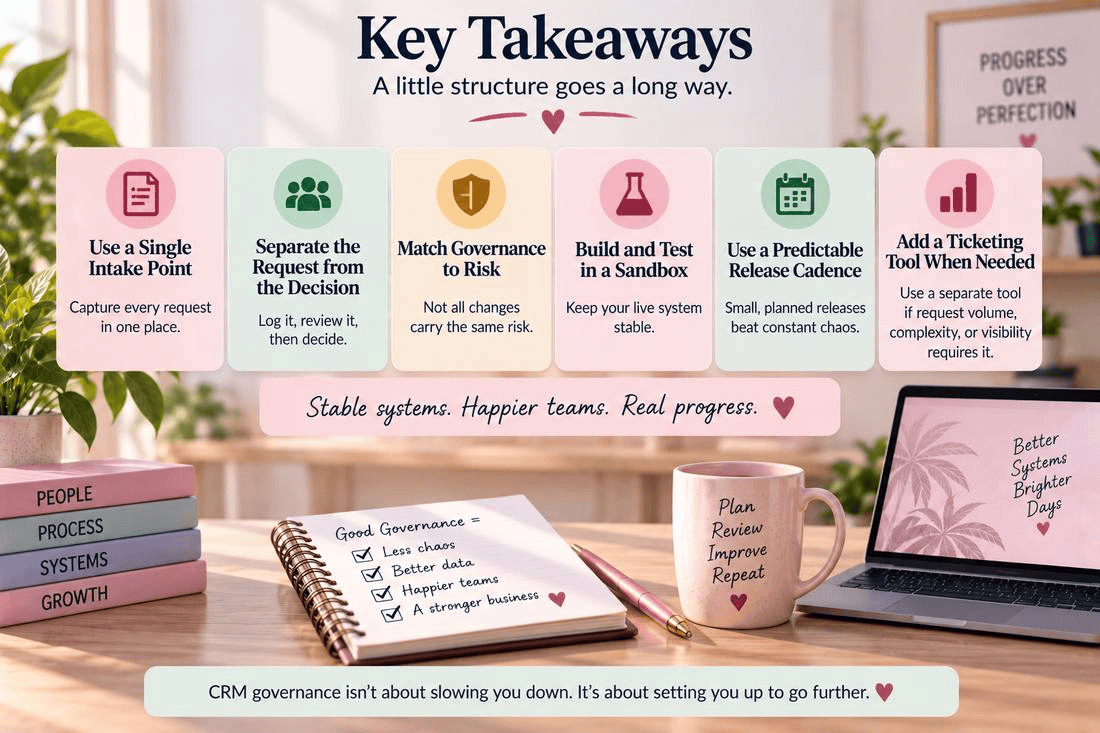
None of this needs to be complicated. For most organizations, this is the whole structure:
- Request — every change enters through one documented intake channel
- Triage — requests are reviewed on a predictable schedule
- Decide — a designated business owner approves, rejects, or clarifies
- Build — approved changes are developed outside production when appropriate
- Test — technical testing plus business UAT for anything with real process impact
- Approve — the business owner confirms the tested solution meets the requirement
- Release — changes go out on the established cadence, with a separate emergency path
- Document — the request, decision, build, testing, and release stay connected
That’s the buffer. It’s what keeps every conversation, executive request, and new idea from immediately becoming another permanent layer of configuration.